Android
Turn on backup once. Cloudify sorts everything into photos, videos, music and documents.
- Photo timeline, month by month
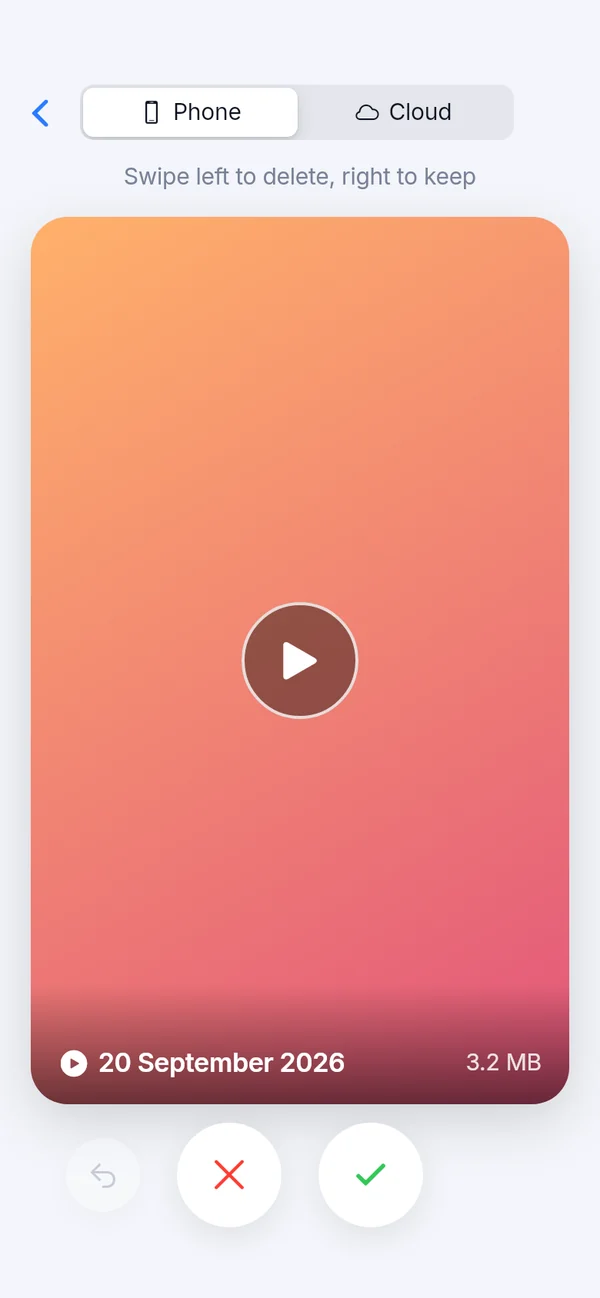
- Swipe left to delete, right to keep
- Duplicate finder for phone and cloud

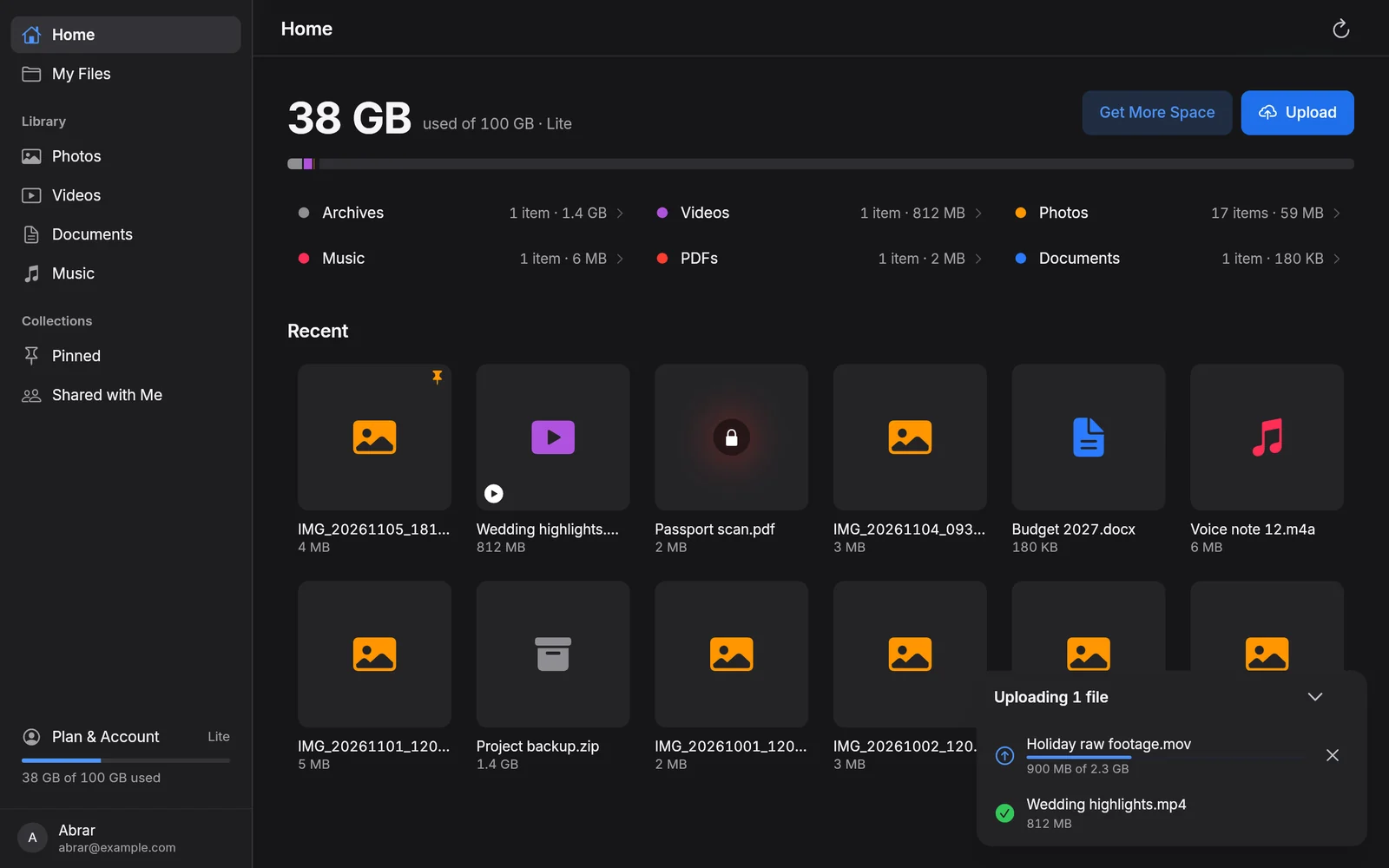
Cloudify backs up the photos, videos and documents on your phone, then puts them on your Windows PC too. One account, the same files everywhere.
20 GB free. No card needed.
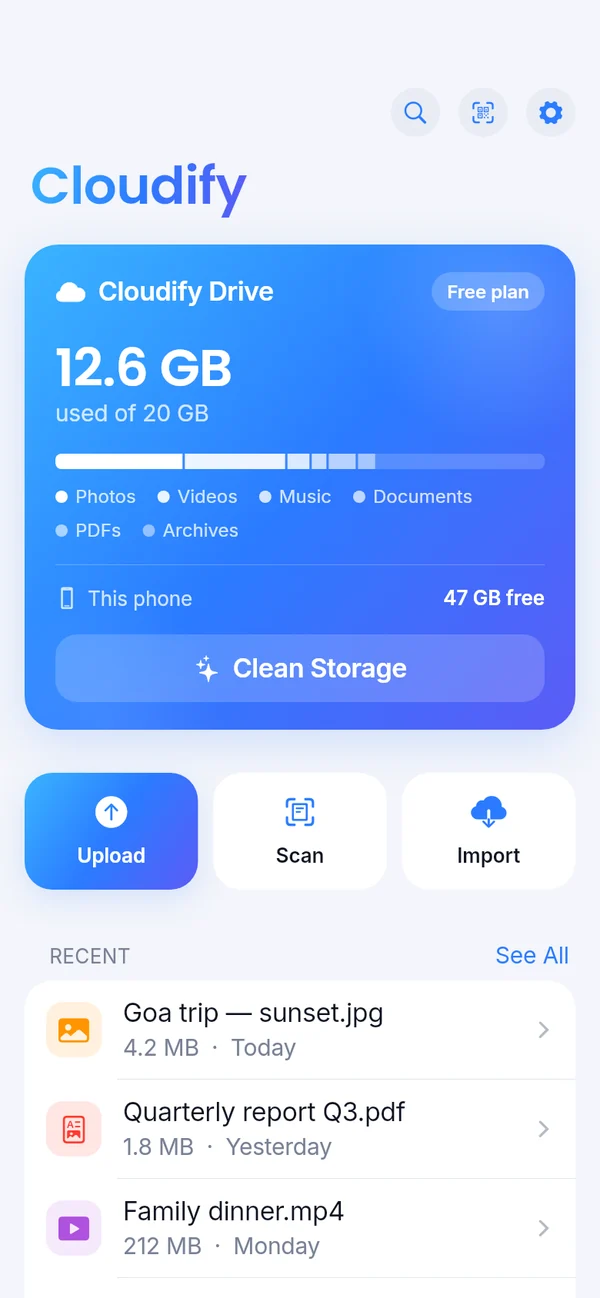
New photos and videos on your phone go up on their own, in the background.
Sign in on Windows with the same Google account. Upload on one, see it on the other.
Photos, videos, music, PDFs and documents open right inside the app.
Send any file as a link or QR code. Big videos too, without email limits.
Hide anything behind your fingerprint on the phone, or Windows Hello on your PC.
Swipe through your gallery to clear what you don't need, and find duplicates in seconds.
The same account and the same files in both apps.
Turn on backup once. Cloudify sorts everything into photos, videos, music and documents.
Drag files onto the window to back them up. Large videos carry on after a lost connection.
One plan covers your phone and your PC.
Prices in Indian rupees.
Storage bars are drawn to scale, 1 TB across. Buy in the Android app through Google Play (Google sets the price in your currency), or in the Windows app or here on the web with Razorpay Autopay: UPI Autopay, cards or e-mandate in India, international cards elsewhere. Upgrade or turn Autopay off any time.
No. Sign in on Windows with the same Google account you use in the Android app, and your files, folders and plan are all there.
Unlimited is for your own and your family's files. It isn't for business storage, client data, reselling or hosting files for others. Accounts used commercially are blocked permanently. For work files, choose Enterprise.
Yes, any time. On Android, cancel in Google Play; on Windows, turn off Autopay in Plan & Account. The plan stays until the end of the period you paid for, then the account goes back to the free 20 GB.
Choose Share or Copy Share Link on any file. The link opens the file in Cloudify on Android and Windows, and on iPhone, iPad and Mac it opens in the browser to view and download.
Message us on WhatsApp at +91 72002 70022.